
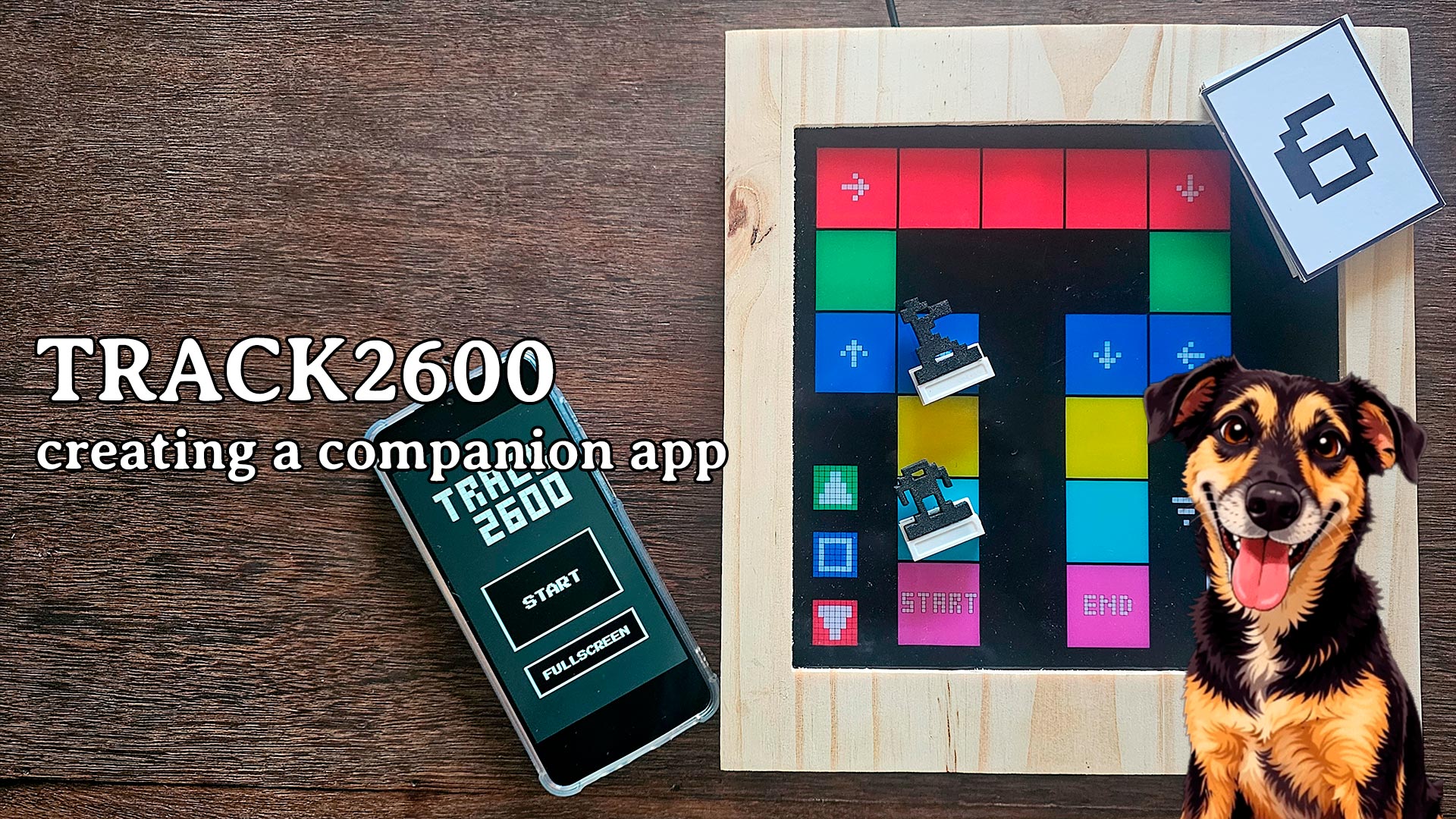
Creating a board game companion app using TilBuci
One of the features offered by TilBuci is the ability to export the content you create for public display using the Showtime tool. Among the supported platforms, “Showtime for Makers” is particularly versatile; it allows you to use custom circuits—such as prototyping boards—to broadcast your creations and interact with hardware. In this video, we will use this feature to create a companion app for a board game.
The game is called Track2600, and it is a traditional track game. Players take turns rolling a die and moving along the track according to the number rolled. The winner is the first to reach the end.
The hardware embedded in the board creates its own Wi-Fi network. By connecting a device to this network and accessing the link indicated by the QR code, the device will display the supplementary content. There is no need to download or install any apps from app stores, nor is an Internet connection required. The supplementary content is compatible with mobile devices and computers running various operating systems.
TilBuci Showtime
Interested? If you’d like to know more about the TilBuci Showtime tool, check out the video below.