
WordPress plugin
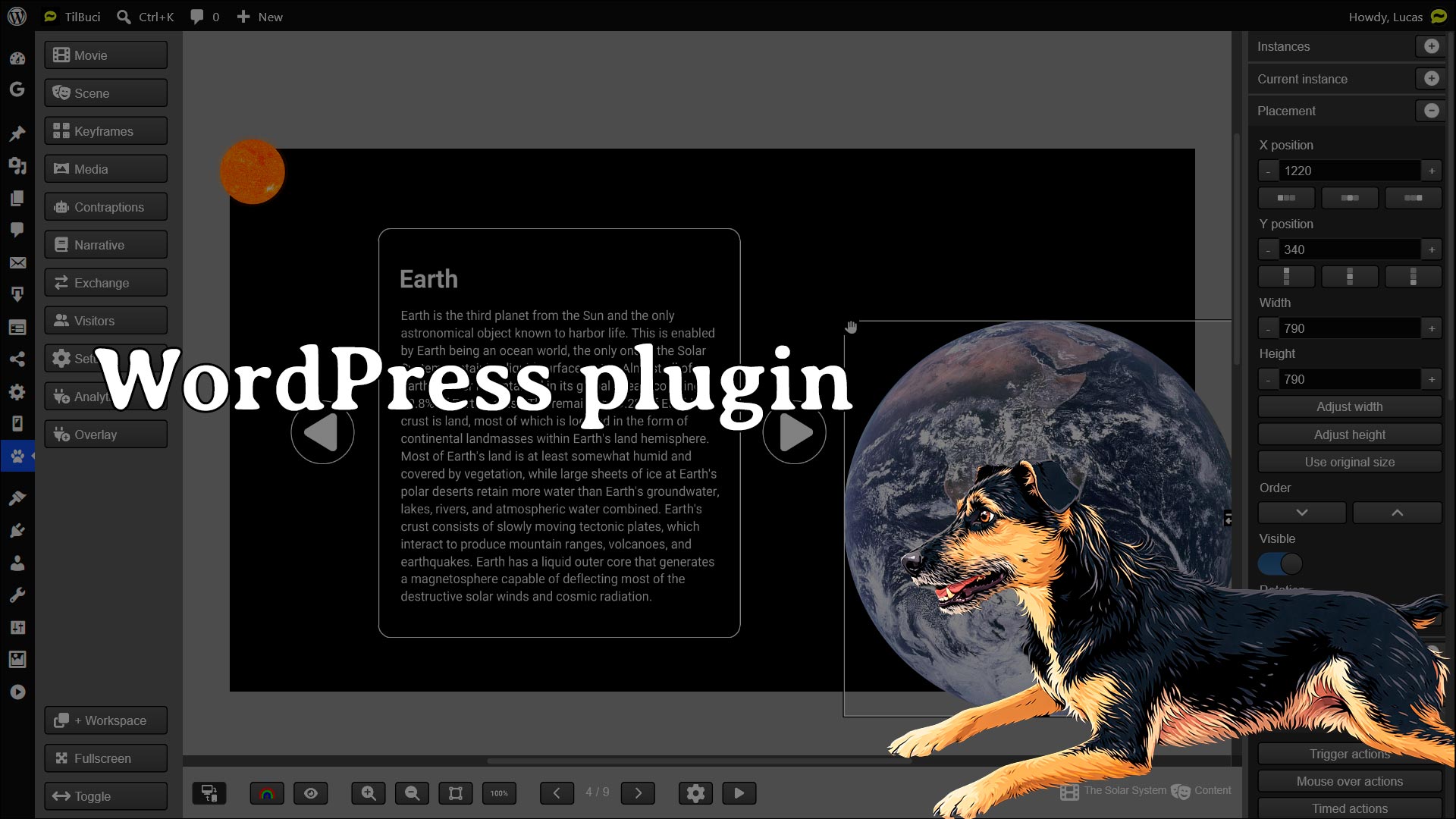
In addition to the traditional web installation and desktop applications for various systems, TilBuci is also available as a plugin for WordPress*, offering all the functionalities. Discover in this video how to install and access the full potential of this plugin.
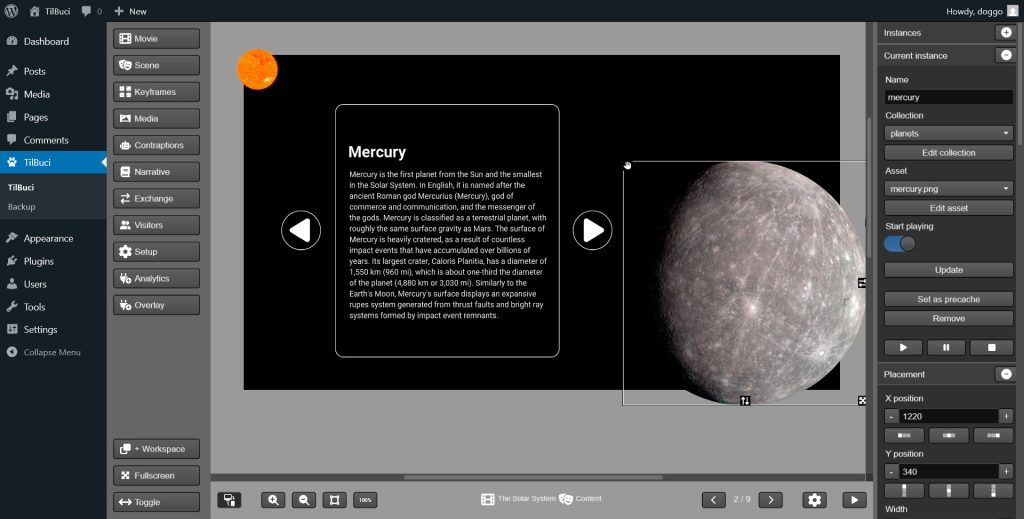
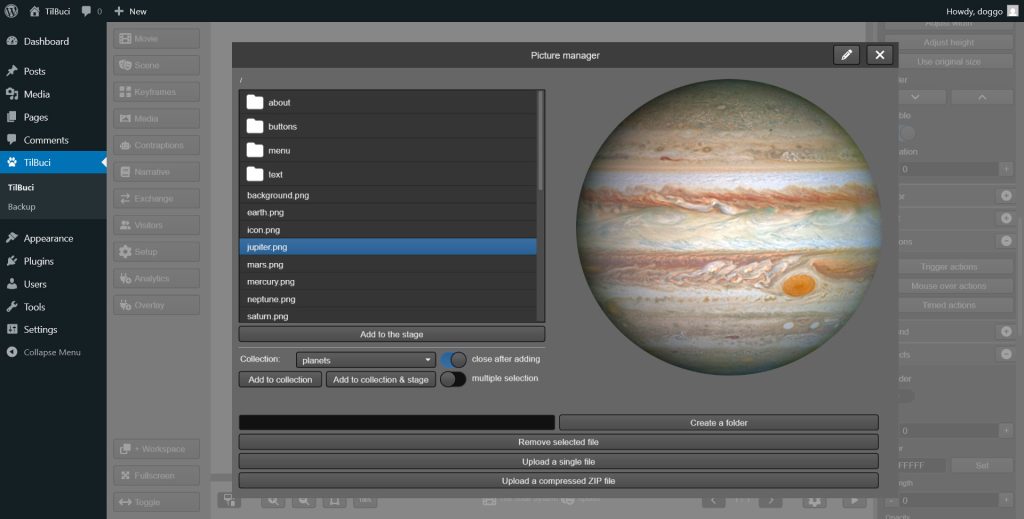
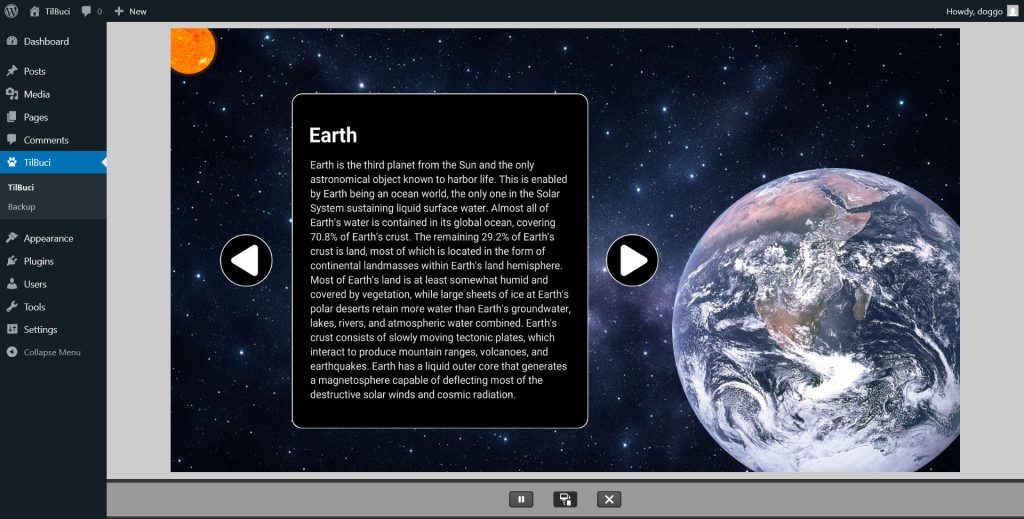
Want to see the plugin in action? The following content was created in TilBuci and embedded into this page using the WordPress* plugin.
To install, simply download the latest version of the plugin here: https://tilbuci.com.br/site/latest-version/. Then, in your WordPress dashboard, go to Plugins > Add Plugin > Upload Plugin and upload the compressed file. You can update to newer versions directly via the TilBuci > Update menu.
* The WordPress® trademarks are the intellectual property of the WordPress Foundation. Uses of the WordPress® name in this page are for identification purposes only and do not imply an endorsement by WordPress Foundation. TilBuci is not endorsed or owned by, or affiliated with, the WordPress Foundation.