
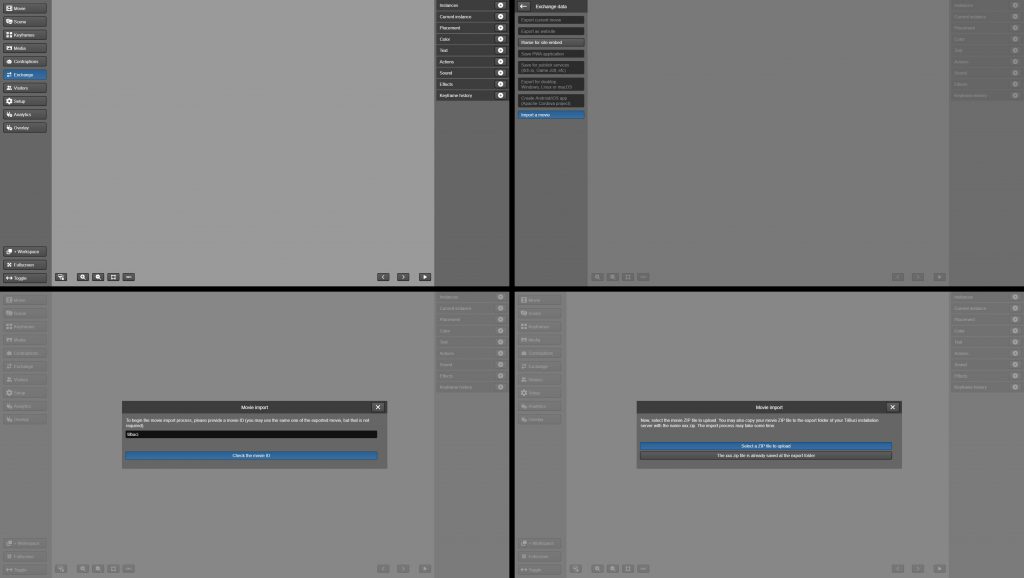
Download full movie files to import into your TilBuci installation and learn more about how the software works.
To view these examples running online, visit
https://examples.tilbuci.com.br/
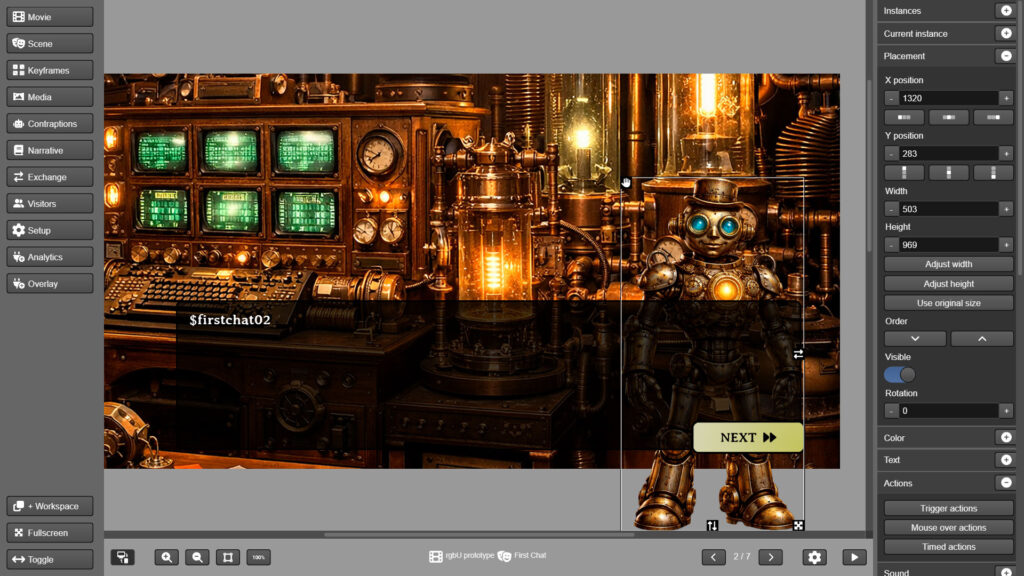
Creating a narrative game with TilBuci
This video series addresses the process of creating a narrative game prototype using TilBuci. The series aims to explore various functionalities of the software, serving as tutorials and suggestions for techniques to be adopted at various recurring moments in the creation of this type of material. New videos available at Mondays and Fridays.
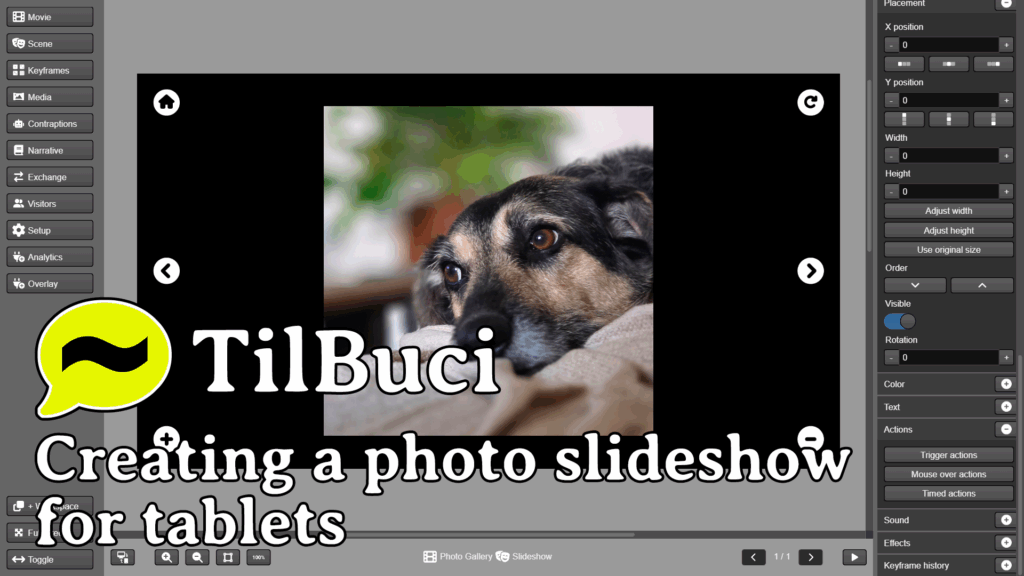
Applications with image or video galleries are in common demand, especially in content for exhibition spaces, such as museums, which often install them on tablets. In this video, we will explore the creation of a simple photo gallery of our mascot, Buci.
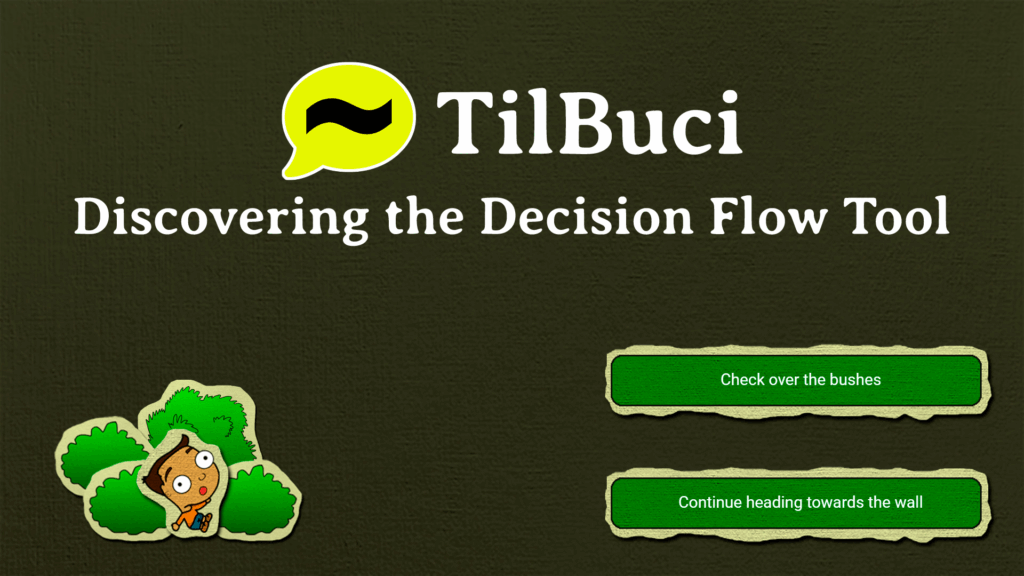
When telling interactive stories, a common resource is the implementation of forks—choices along the path chosen by the user. To simplify the production of this type of content, TilBuci uses a tool called “decision flow”, which we’ll learn about in this video.
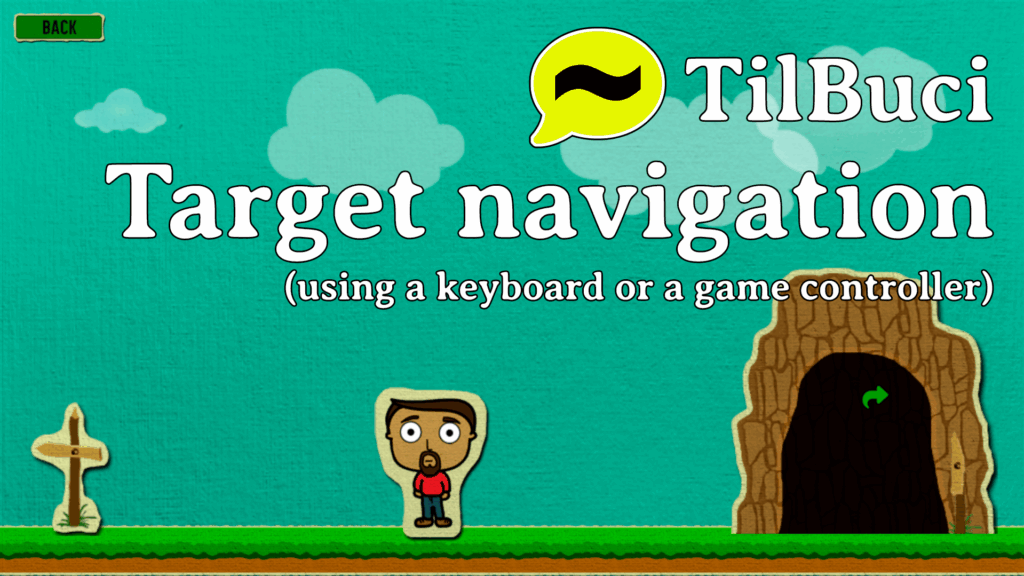
Target navigation, using keyboard or game controller
In addition to traditional mouse or touchscreen navigation, TilBuci also supports keyboard or game controller interactions using the “target”. In this video, we’ll explore this functionality through an example that will also demonstrate some techniques for creating interactive scenes.
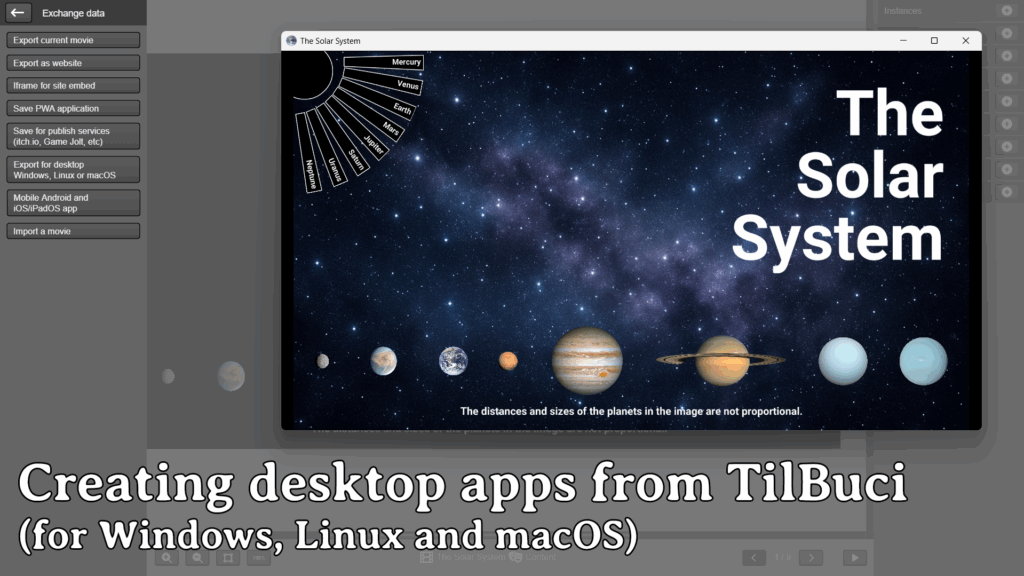
Exporting desktop and mobile apps
Content created with TilBuci can be distributed in a variety of ways. The following two tutorials explain how to create apps for both computers (Windows, Linux, and macOS) and mobile devices (Android and iOS/iPadOS).
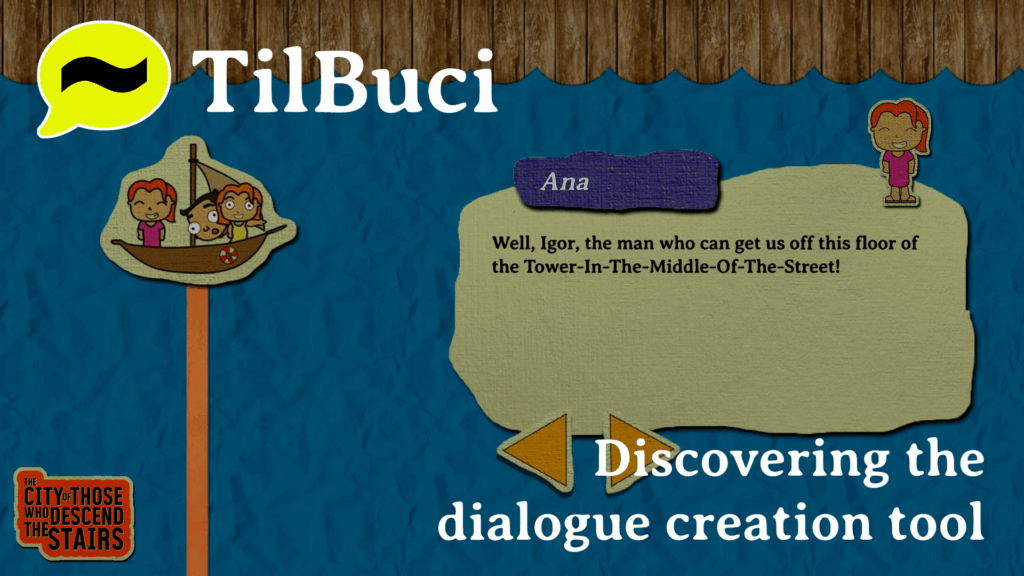
Discovering the dialogue creation tool
Discover how to use the dialogue production tool, as well as techniques for working with large volumes of text and creating multilingual texts.
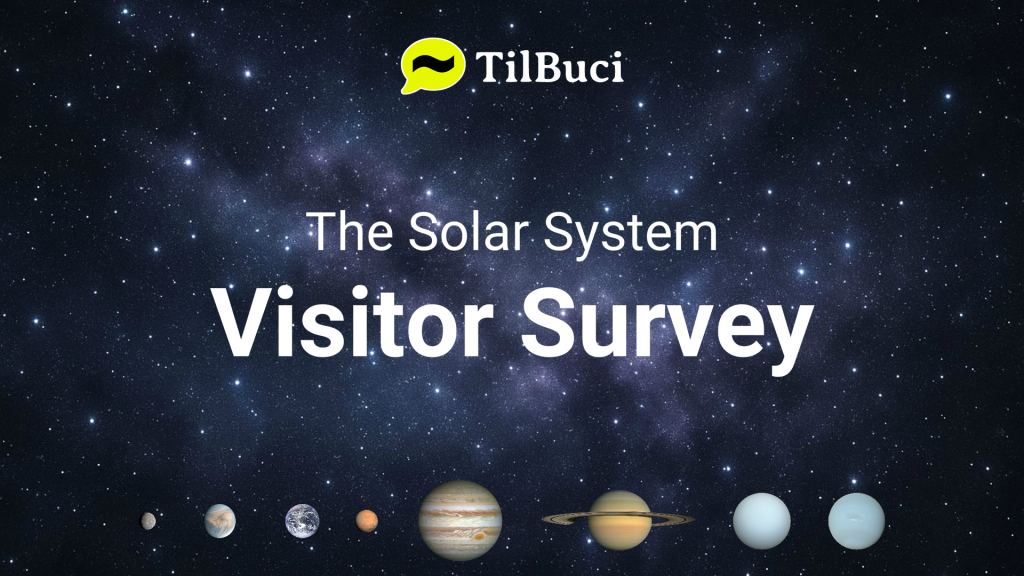
A survey kiosk for an exhibition
Learn how to create a survey system to be installed in an exhibition kiosk. The tutorial includes creating a movie prepared for display on horizontal and vertical screens, as well as covering topics such as variable management, data entry (text), and cloud event storage.
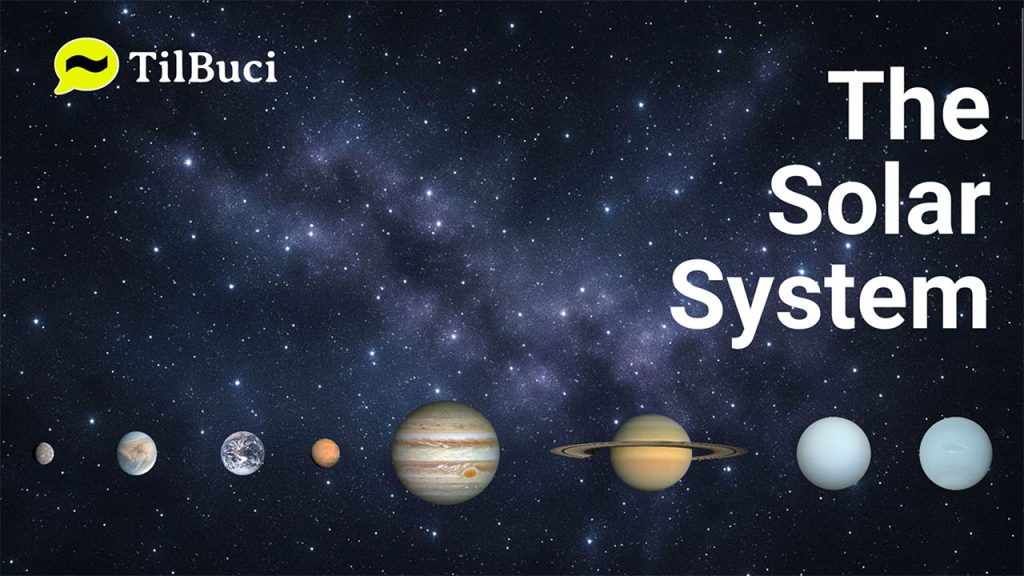
A kiosk about the Solar System
In this tutorial, we explore creating content for a kiosk, like the ones you see at museums, expos, and events, from concept to exporting as Windows and Linux executables, as well as an Android app.

In this tutorial, we will create a quiz game. The videos cover the entire process, from conception to publication and access tracking.