
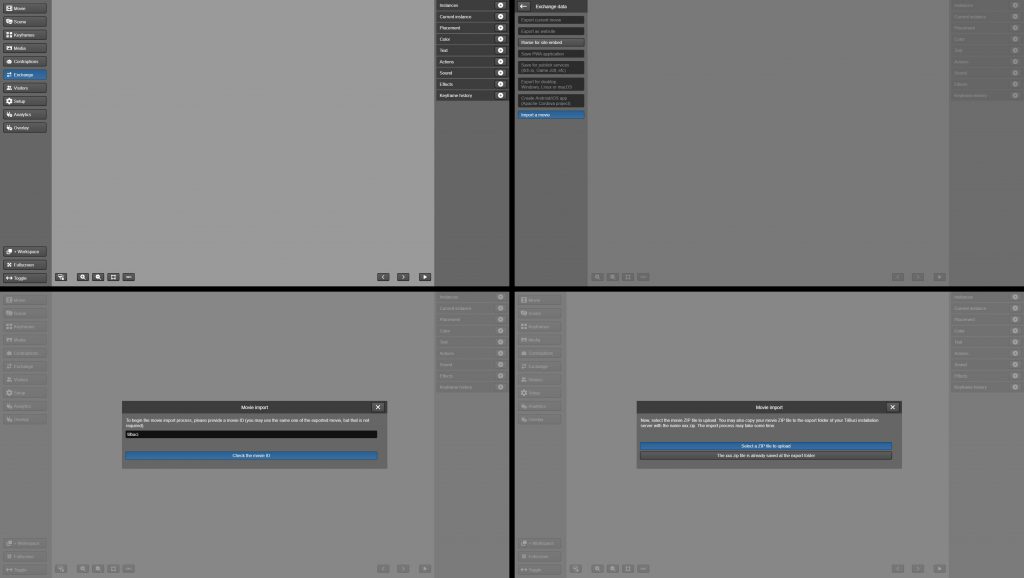
Here you’ll find TilBuci movie ZIP files that can be imported into your installation. When you open the software, go to the “Exchange” menu on the left and click “Import a movie”. Enter the movie ID, as the name of the downloaded file, and click “Check the movie ID”. After that, simply click “Select a ZIP file to upload”, select the file and wait for the import process.
To view these examples running online, visit
https://examples.tilbuci.com.br/
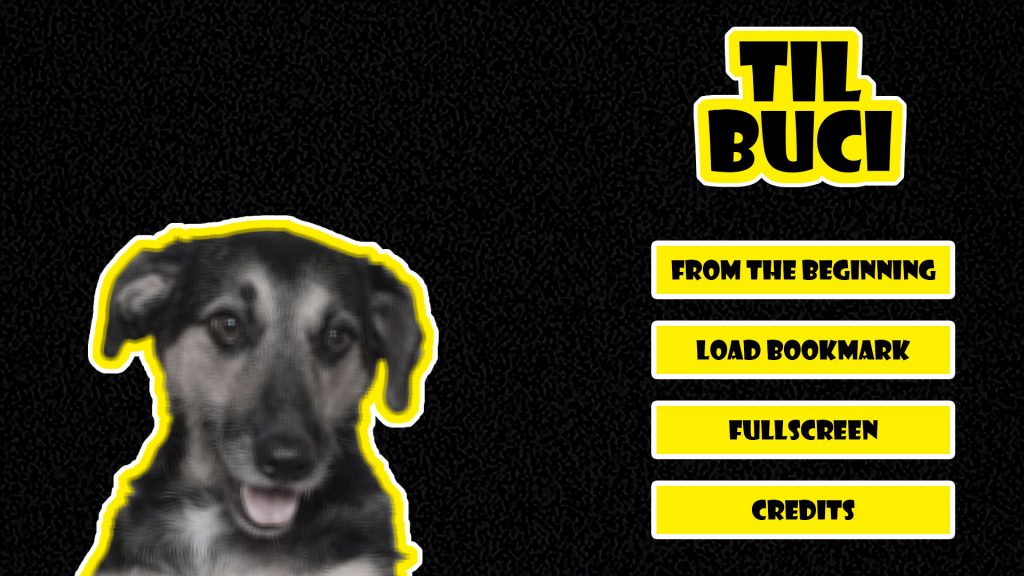
TilBuci
The first movie created in the software, telling the story of Buci, the messy dog that gave the project its name.
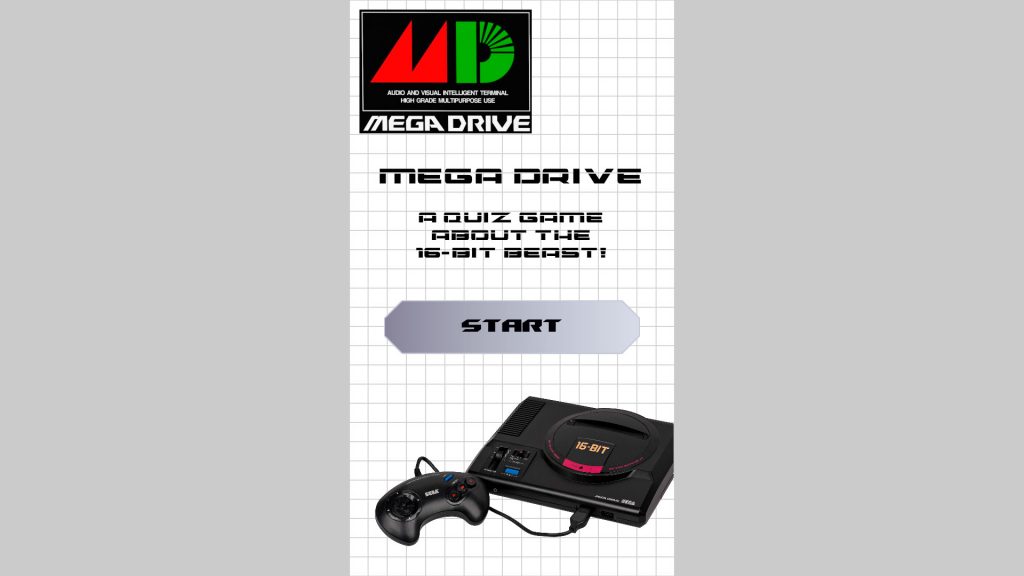
The Mega Drive Quiz
A quiz game about Sega’s 16bit console. The creation of this movie is covered in detail in this video playlist.

Third Floor
A game-illustrated book that tells the story of a boy named Igor who discovers the curious Tower-in-the-Middle-of-the-Street. Some chapters can be found at this itch.io link.
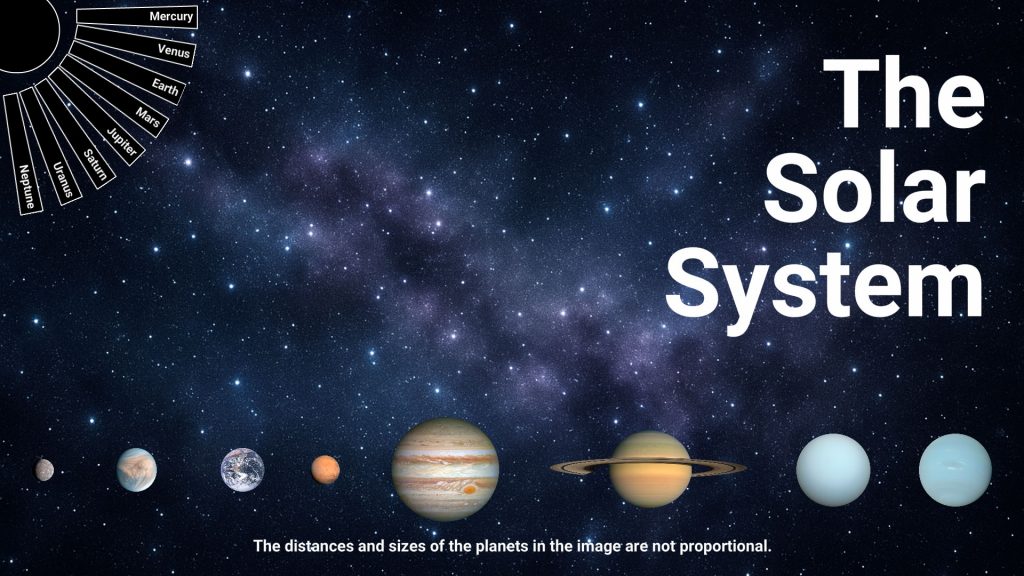
The Solar System
Content for a kiosk to be used in a solar system exhibit. The creation of this movie can be seen in detail in this video playlist.
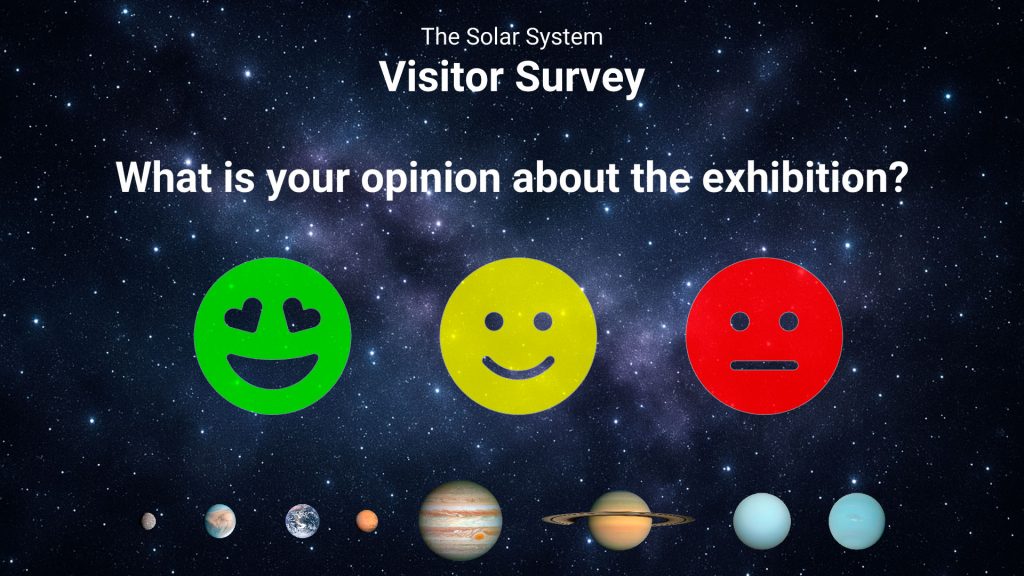
The Solar System Survey
An opinion poll system created for the exhibition about the solar system. The creation of this film can be seen in detail in this video playlist.
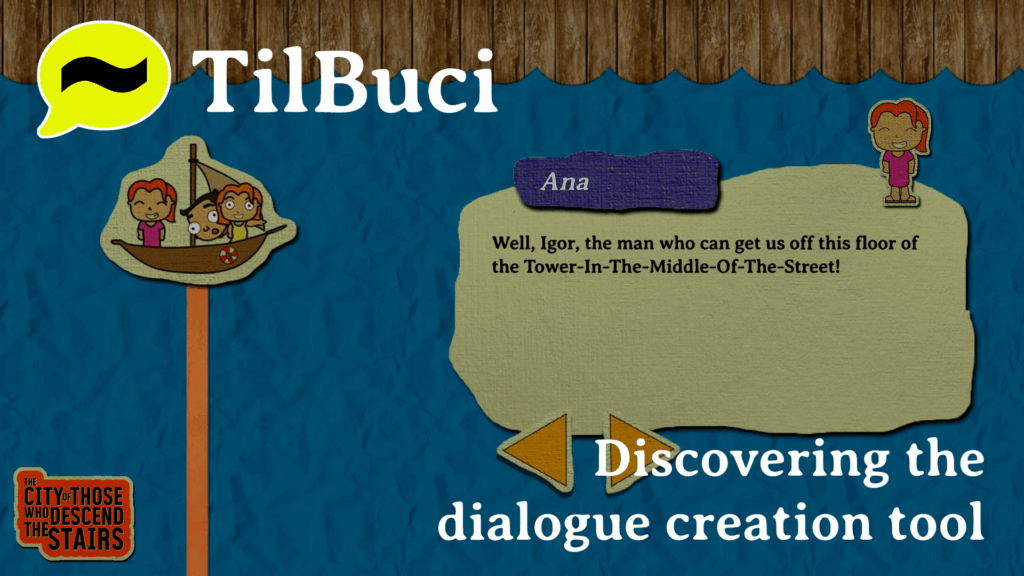
Dialogue example
Discover how to use the dialogue production tool, as well as techniques for working with large volumes of text and creating multilingual texts.
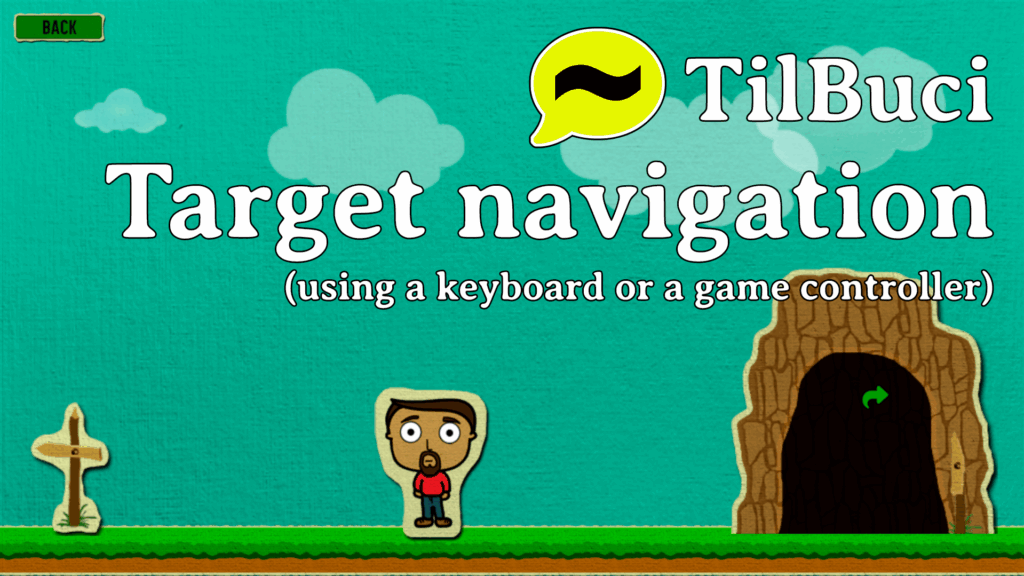
Target navigation
Learn about target navigation, which supports interaction using keyboards and game controllers.

Decision flow
Discover Decision Flow, a tool that helps create interactive narratives.
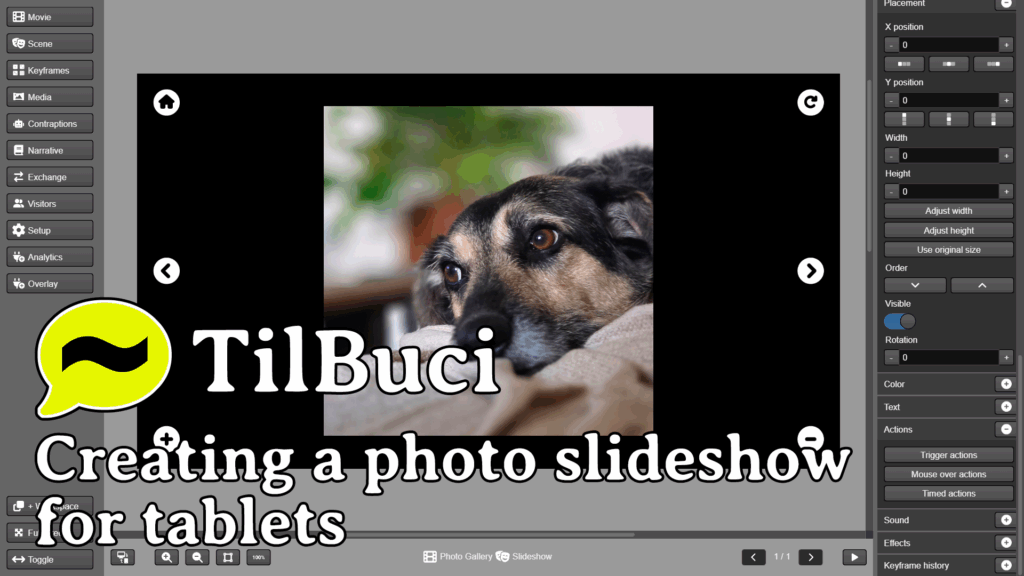
Photo gallery
Learn how to create a photo gallery for tablets with features like zoom and picture dragging.